


Cloud computing is one of the biggest internet trends of the new decade, and it’s really progressed from a buzzword to a legitimate and powerful new tool. There are plenty of applications on the web today that can help designers, either in a general way (by storing files or tracking productivity), or in a design-specific way, by facilitating coding or visual editing on the fly.
The upside of cloud computing is portability. You’re no longer dependent upon being in the same office as a fileserver, nor do you even need to be at the same computer to work on your projects. This portability also turns into shareability when clients and collaborators are using the same apps. Refer to a cloud computing guide to find more in-depth information, but for now, read on to find out just how many essential tools are being hosted on the cloud.
Google Drive
There are plenty of good cloud storage options for the savvy user, and it’s hard to choose just one. Dropbox, the leading cloud storage service, is a bit more powerful than Drive, as far as user options and customization go, but with Drive, there’s nothing to install on your workstation—it’s 100% online. As an added benefit, you likely already have access to Drive, assuming you have a Google account. Note that Google Drive is bundled with the office productivity suite Google Docs, and that some features only work in Google’s web browser, Chrome.

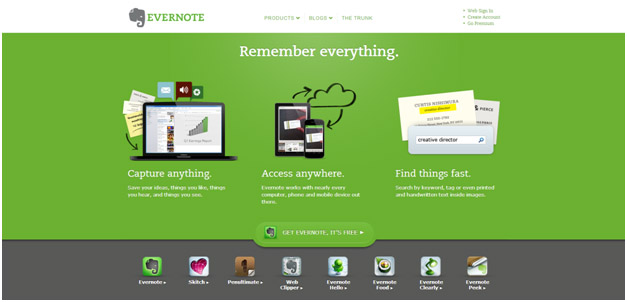
Evernote
The premier bookmarking service, Evernote, allows you to save links, organize them, and have quick access to them later. The service offers quick links that are compatible with the major browsers, so clipping a page is a one-click affair.
Codeanywhere
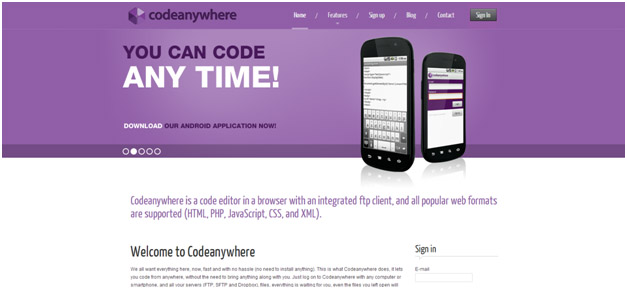
It may seem like a little thing, with so many cloud-based text editors out there, and lightweight code editors that aren’t in the cloud, you would think there wouldn’t be much of a place for a cloud-based code editor. That said, Codeanywhere is really a lifesaver for people who code in multiple locations, or on multiple computers. It supports most major languages and scripts and is very easy to use.
Adobe Kuler
Kuler is a great little app that helps you build color swatches for your website, and then export them into other Adobe apps like InDesign and Illustrator.

GridFox
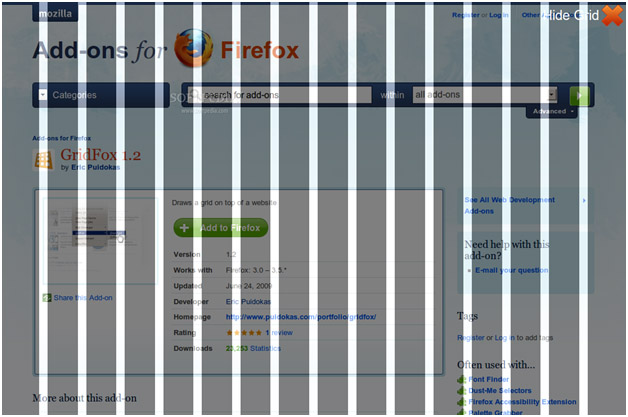
GridFox is just an extension to Firefox, but it’s very powerful. If you’re working on developing a new and responsive design, this is the tool for you—it shows you a grid overlay on top of whatever website you happen to be viewing, which is perfect for developing and testing new designs.
Google Web Fonts
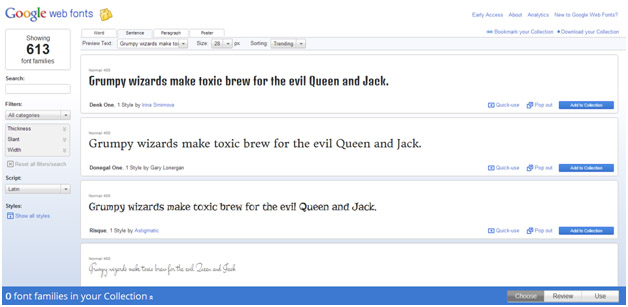
It’s probably not fair to double up on Google services, but Web Fonts are free and can be added to any site with a snippet of code. While most famous typefaces aren’t available here, there are plenty of lookalikes and new typographical ideas to be found here. Again, since the service is cloud-based, you don’t have to install any font files on your computer in order to put them to work.
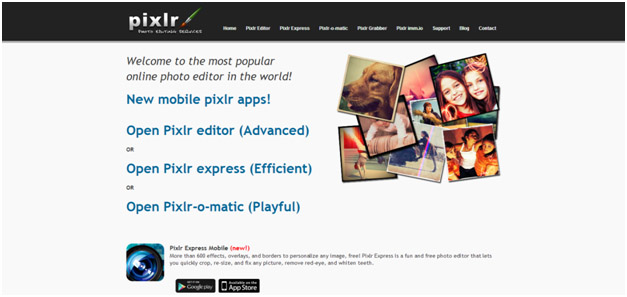
Pixlr
While it is still a bit too low-powered to be your only photo-editing and visual design application, this design app in the cloud lets you do the basics plus a little extra. Pixlr is very useful in situations where you’re away from the computer and need to make a quick change to a file, or when the graphical work is light.
Of course, there are plenty of other apps and services that a designer could use. Basecamp is a popular workflow tool, Zoho is great for CRM, Recruiterflow is great for recruitment, et cetera. Be sure to ask around, see what other designers are using, and try it out for yourself.
As you can see, the downsides to using the cloud are fairly minimal—there is the possibility of a service going down, your internet going down, or other bandwidth usage cutting into the speed and effectiveness of cloud apps. If you do run into speed issues, check out this bandwidth guide for info on how to fix them. Also, a word of warning: be sure to back up data you save in the cloud, just in case your internet connection goes out. Overall, though, designers will find their cloud computing experience to be a great benefit to productivity.
Author Bio
Luke Clum is a graphic designer and developer from Seattle who is crazy about UI design, alpine climbing and earl grey ice cream. You can follow him on Twitter @lukeclum

You must be logged in to post a comment.