


Students are often enthusiastic to create appealing websites, but aren’t much aware of the web design tools available in the market that can be really very handy and beneficial for their use. If they are serious of setting up and running a site effectively with no coding skills, they can come across various design tools. Such web design tools will actually be pretty impressive that the students would like to consider.
But how would they know which one is right for them. We’ve listed here few of the top 10 web design tools that would help the students design mind-blowing websites.

Mozilla Thimble is a very exciting platform that instructs coding via remix, and is available for free. Though it can be quite challenging, but once you explore it, it involves comments that state the way of customizing code. Known to be an online webpage editor, Mozilla Thimble is also a group of remixed projects that are created to help the students to learn the way they should write on the web pages. While editing code on the left-side window, they can make amends to the fonts, colors and images that put quick effect on the right-side window.

With the help of Hackasaurus, students can be guided how they should read; code as well as remix the website. Hackasaurus can be hugely communicative and supportive for large selection of web and content objectives in the class as well as outside. It concentrates on 3 main resources including the Remixer, the Web X-Ray Goggles, and also the Hacktivity Kit that is a type of workshop to teach the students about reading the Web through writing it.

This is extremely an innovative tool for creating websites easily. This tool is very easy to use as it allows the students to develop their websites that portrays any kind of subjects. This is a great tool that can be used to promote education related subjects quickly. The drag-and-drop operations of Weebly allows the students to position colorful photos, choose themes, insert texts and other distinct web pages, and further publish on their website. They can even offer a URL or place their website on weebly.com sub-domain. Students can log in the educational site by using their usernames and passwords.
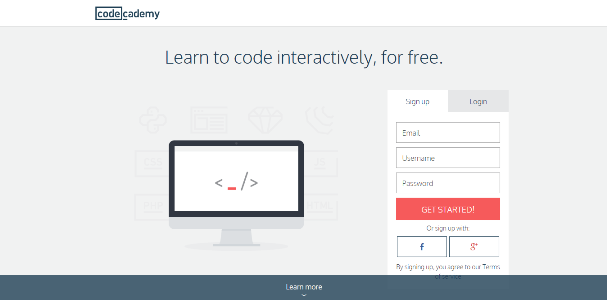
Using the Codecademy tool, the students can nicely write the computer code. They place their own speed through fantastic standardized lessons on many trendy programming languages, covering JavaScript, PHP, HTML, CSS and Ruby. This is a remarkable method for guiding them to construct apps as well as websites from the start. With the use of their email addresses, they can create their own account or their current FB, Google or Twitter account. Then a mini-lesson displayed will tell them about the easy coding process. The students can learn about the syntax and commands, and get to notice how their codes transform into productivity straight on the web screen.

The students can develop their own free website along with customizable templates. The students need to log in, hit on the Create button, and select a template from few sections such as Schools and Education, Activities and events, Personal and family, etc. You have to name your website, as the name turns your default URL except you amend it. Templates vary from blank to complex ones, and various templates have distinct methods to add contents.

The trendiest content management system is WordPress.com and it is also popular for blogging & content marketing with wide ranges of plugins, themes and library of open resources for stylized website design. You can easily set up WordPress.com and activate it that will help the students begin blogging fast, and its customization options would support them in building detailed websites. When their email address is confirmed, they can select various topics of distinct blogs to follow them easily, connect with friends via social networking sites, and even pick themes for their own websites.
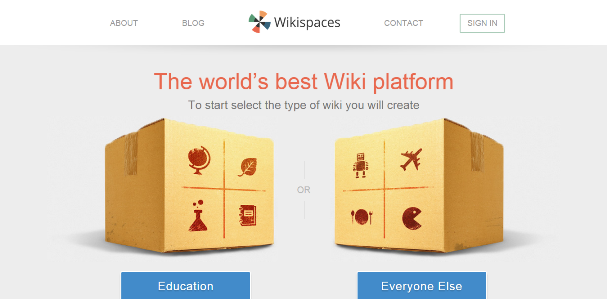
Wikispaces is a very strong tool for crafting joint websites. Students can easily create their site, and online publish and collaborate it. This is a user-friendly wiki website for the grade-school children that can be managed with searchable tags and hyperlinks. Students can explore how the web is arranged, filtered out and afterwards sorted.
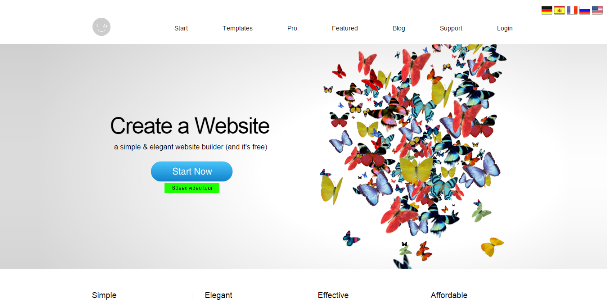
Whenever you decide to create your website, you can easily browse through the superb template collections of IM Creator. You can work swiftly with this tool, along with Premium subscriptions. If you are a free member, you can independently craft a websiteee member, you can l, along with Premium subscriptions, or through a template collections of IM Creator. which takes up till 50 Mb, and thus is published on the sub-domain. With Premium plan, you can even customize an email account, and acquire unlimited bandwidth and storage.
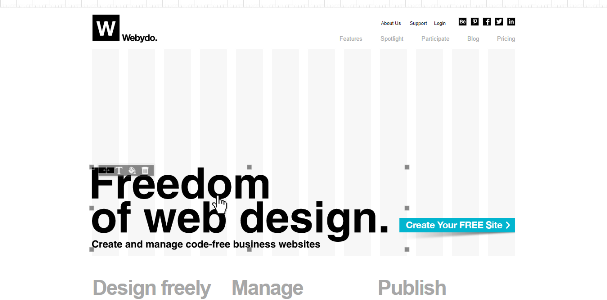
With the support of Webydo tool, you can produce your website along with stylish design features. You can begin with creative education as well as design projects. You can use Webydo to build few of the brilliant websites, and begin designing from one of the customized convenient design ideas. You can even amend the code when it approaches to CSS; and site’s <header> and <body> segments. You can also insert the aspects to your website that remains on screen, and floats while scrolling downwards the web page.

If you are thinking of making websites formed of a single page, Onepager is the perfect tool. Rather than clicking on definite number of web pages to acquire the complete picture, it is easy to scroll down through Onepager, and also connect to your website over smartphones or tablets. It is very simple to get to Onepager if you are all set to crate single-page website.
We hope the above mentioned web design tools will be useful for you students to proceed ahead in creating an awesome website that would be praise-worthy!
About the Author –
Alyssa, an software engineer with good writing skills and she loves to developed content in her free time. Recently she joined EduGeeksClub as a freelance writer to cater their content requirement.

You must be logged in to post a comment.