



Forex trading is one of the best ways to earn a few extra bucks on the side. Compared to most part-time jobs, forex trading tends to take less time. This frees you up to concentrate on other productive tasks while still earning money from trading.
However, the success of your trading endeavor heavily relies on the functionality level of the forex broker app you use. While the market doesn’t fall short of numerous high-performance apps, below are some of the best Android trading apps you may consider using:
Admiral Markets App
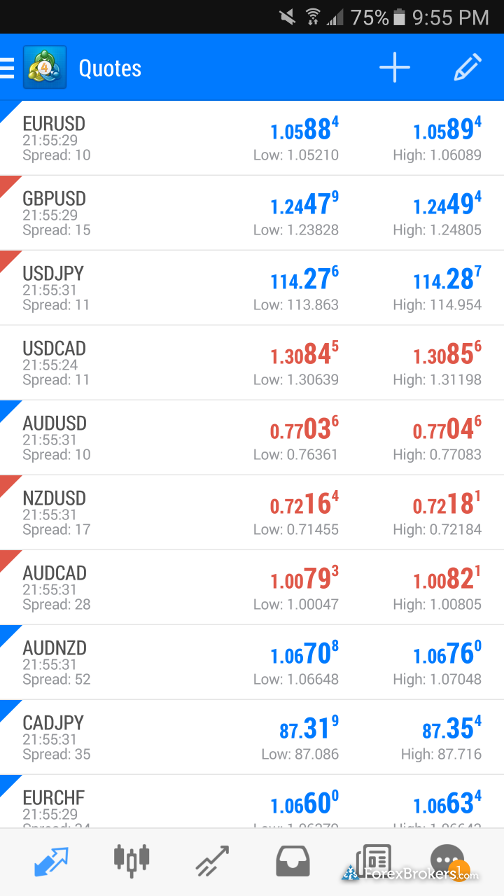
Admiral Markets App is designed with an emphasis on market data in mind. The app features more than 20,000 financial instruments to help you analyze the forex market data. For enhanced data functionality, Admiral Markets App also includes indicators that alert you on the best time to enter or exit the market.
Upon signing in into the app, you will have access to lots of currency pairs that are made easy to track by the push notification feature. You can also follow the currency trends from the real-time financial news updates offered regularly within an economic calendar.
Forex Time FXTM

FXTM is a UK-regulated forex trading app with an intuitive design geared to match a range of skill levels. It has specifically designed features such as flexible leverage for experienced traders that make it easy to increase earning potential. For beginners intending to leverage this feature, the app has a wide range of free educational resources to improve your skills.
The app scores highly in user-friendliness thanks to its basic interface. You shouldn’t have any problem signing up for an account, uploading verification documents and transferring funds. What is even better is that you can execute numerous trades at the same time and withdraw your earnings within minutes. If you have Metatrader 4 for Android, you can also synchronize it with FXTM, to get the most out of the two platforms.
Oanda Fx Trader
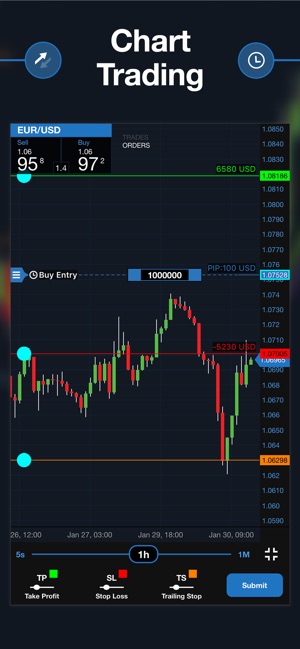
If you are looking to cut down on the trading fees without compromising on the quality of functionality, Oanda is the app for you. For just as little as one dollar, you get to open a forex trading account with access to more than 80 currency pairs.
The app uses an automated trading technology that makes it easy to follow currency prices across various markets. The prices are in real-time and can be set on automatic alert mode to keep you on top of the ever-changing market. You can also access your trading history and more than 40 technical analysis tools to help you make informed trading decisions.
The tools come with advanced functionality such as the ability to visualize market data and test trading strategies using common coding languages. For this reason, the tools should be used by experienced traders to deploy strategies and manage risks in real-time.
Plus500
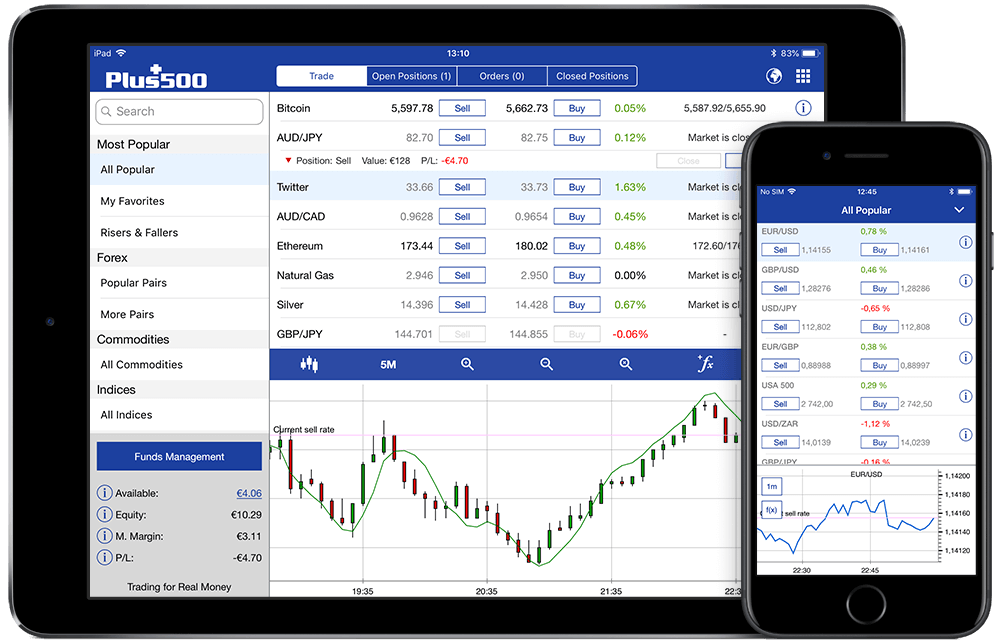
Plus500 adds to the list of forex trading apps meant for cost-conscious traders. It requires zero opening fees and doesn’t charge a commission on any of its trade. The app also features a negative balance protection tool which ensures you that you won’t lose more than your trading account balance.
For novice traders, the app offers a free demo account on which you can improve your trading skills. Once you are confident with your skills, you can then deposit funds into your trading account through PayPal, credit card or bank transfer. You can monitor your balance, equity and margin using the notification feature. To keep your transactions secure, the app includes customizable, automatic sign-out capabilities.
Plus500 also offers more than 100 technical indicators plus dynamic charts that can be expanded to full screen for better clarity.
Trading 212

Trading 212 is a beginner-friendly forex trading app with a simple, yet powerful range of features. The app includes over 150 forex pairs that can be traded directly from the visualization. This goes a long way into improving the user experience, especially when using the app’s clear navigation systems.
To build your trading confidence, you may consider using the free demo account that is seamlessly integrated into the real trading account. This eliminates the hassle of switching from one account to the other, ensuring you have an easy time using the app.
Conclusion
Given the landscape of the app market, it can be pretty daunting choosing a good forex trading app. To help you narrow down your choices, you may consider checking out the above trading apps.

You must be logged in to post a comment.